Showing posts with label linux. Show all posts

May 24, 2014

How to install full Chrome OS in Ubuntu.

Saturday, May 24, 2014 Posted by Unknown , , , , , , , , , 2 comments
Yes you read it right.


Chrome OS is built mainly for Chromebooks and is supposed to be a cloud based OS. It revolves around chrome and almost everything is done via chrome apps.

It may not seem to be a great concept in the first encounter, but considering the time people spent on their browser and the power of cloud now, Chrome OS can be sufficient for the general public.

The best part is that Chromebooks are very very cheap. Starting from $100 (approx 6000 INR), they are the bear minimum machines. They are extremely light weight and have quite long battery life.

Coming back to installing it in Ubuntu, just run these commands :
wget https://dl.dropbox.com/u/302704/chromiumos/lightdm-login-chromiumos_1.1_amd64.deb
sudo dpkg -i lightdm-login-chromiumos_1.1_amd64.deb
sudo apt-get -f install
And that's it. You can run the ChromeOS either in a window using "chromeos" command or as a seperate Desktop Environment by choosing it at login. Do ask if you get any error. I had to work around one too.

All the credits go to Janez Troha. Have fun with ChromeOS!

Mar 29, 2014

Ubuntu 14.04 Beta released. Better Unity

Saturday, March 29, 2014 Posted by Unknown , , , , , No comments
I upgraded to Ubuntu 14.04 Beta yesterday and this post will cover its installation and new features.

Getting Ubuntu 14.04 Trusty Tahr Beta

Make sure you're on Ubuntu 13.10 a.k.a. Saucy Salamander.
Fire up a terminal (alt+ctrl+T) and write :
sudo apt-get update && sudo apt-get upgrade
This will make your system up-to-date. Once its done, run
sudo update-manager -d
Follow the onscreen instructions. It'll take time in downloading and installing the new packages.

New Features 

  • Border less windows
    This is the feature I love the most, specially for the terminal window. You can tweak the related settings from the CompizConfig Settings Manager. The default window has a shadow, which I removed from ccsm.


    Transparent Windows are so much fun now !


  • Even smaller Dash Icons
    Go to System Settings >> Appearance and you can make the icons very tiny - upto 16 pixels.


  • Search for window 
    Have multiple windows open on the same workspace ? Just press Windows+W to get an overview, and start typing a window name and Unity will pick it up for you. Its cool. You can do the same for windows of the same app by clicking on its icon on the dash.


  • The lock screen and greeter integration.
    This one is also nice. The lock screen now looks exactly like the login screen which is of course beautiful.
  • A new pop-up
    This must be specific to those having a combo audio jack for headphone and mic, but was absent in 13.10


    Apart from these, you get the usual upgrade benefits like latest versions of software, new wallpapers and a better working dash search.

    Also remember this is an LTS release and with Ubuntu for mobile development side by side, you can't expect fireworks.

    I liked Trusty and its worth trusting. The upgrade went smoothly and everything works ! Will you upgrade yet ? Do comment.

Mar 27, 2014

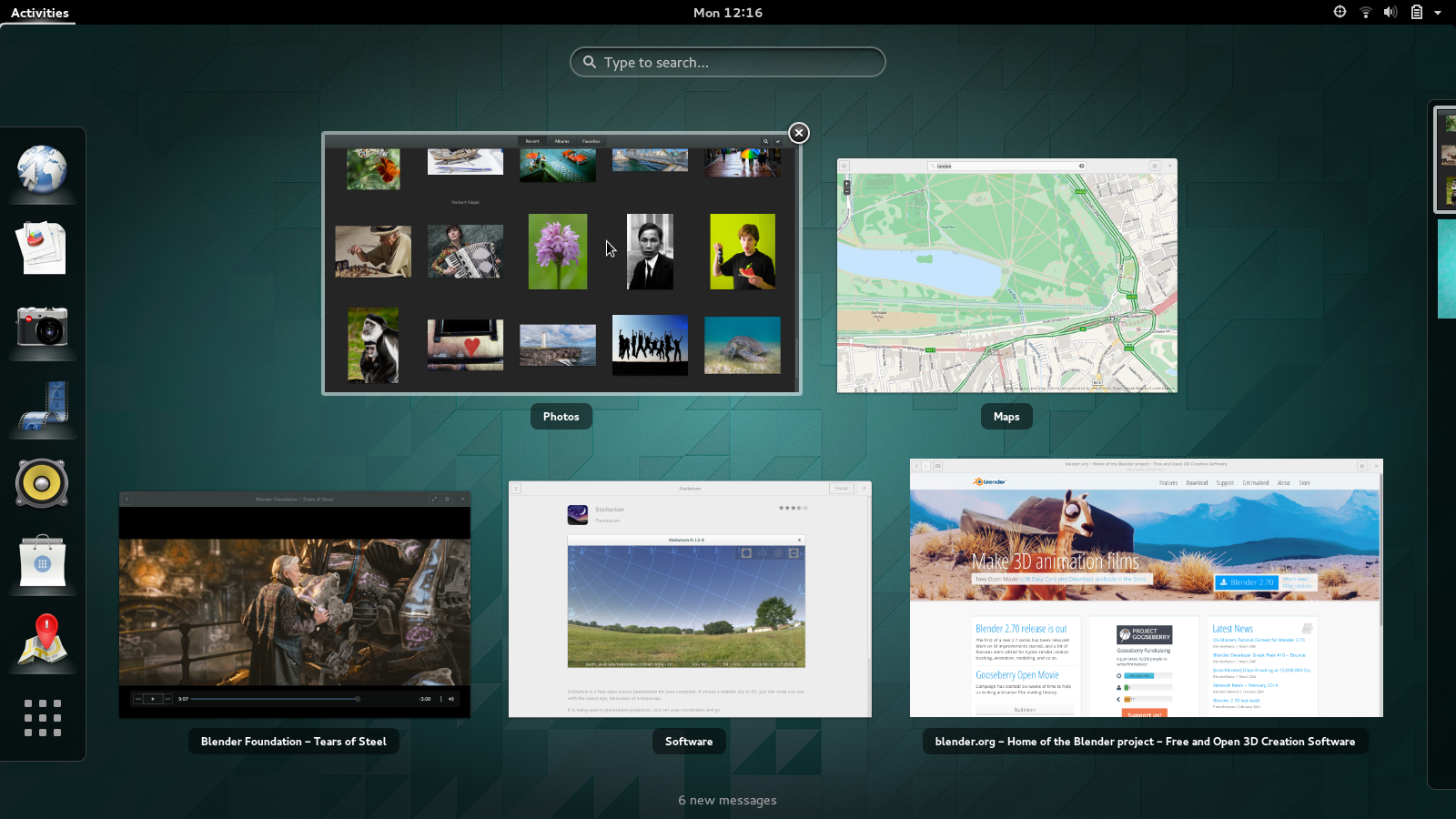
GNOME 3.12 released. More beautiful, more features.

Thursday, March 27, 2014 Posted by Unknown , , , , No comments
The latest version of the most popular Linux Desktop Environment is out !


This nice video from the official announcement sums it all :


This version brings a lot of changes to the UI along with completely redesigned totem (now called GNOME videos) and Gedit. 

GNOME has surely come a long way from GNOME 2 and gives an entirely new experience. 

It will soon be landing on your distro. Enjoy !


Mar 2, 2014

Design your Gnome 3 UI Your Way

Sunday, March 02, 2014 Posted by prolific , , , , , , No comments

Recently i installed gnome 3 into my system which is running Ubuntu. In the past i used gnome 2 and unity but never got a chance to try gnome 3. Finally after the installation when i got my hands on it, the only thing that came into my mind was "WOW! Now that's called Beauty at it's best".


Soon after I started using it, I found a bug. The text in the menus was incomplete. It was cut half vertically. I asked my friend, Anshul if he knows anything about it but fate had something more kept for us. So we started searching for it's fix all over the internet. While searching for the fix i found that gnome 3 is having it's UI designed in CSS and i was like "What ! Am I Drunk ?". As soon as we read this, we understood that all we have to do is change the CSS to fix this issue and that's what happened. We finally fixed it. Later i thought that this is something i should share with my blog readers. I should tell the people about the power of Gnome 3.

All you have to do is:
  • Open terminal and type
sudo gedit /usr/share/gnome-shell/theme/gnome-shell.css
  •  Make the changes in the opened CSS file and save it. (Please be careful to not make wrong changes else the UI may stop working. It is always advisable to make a backup of the CSS file before making any changes)
  • Now press Alt-F2 and type rt (This will reload the theme and not the entire gnome-shell. If you are a developer and you often make changes then this will help you a lot in testing things)
  • Voilla! Now you can see the effect of all the changes you made. 
Design it but be careful because "With great power comes great responsibility". Don't forget to share your views with us.